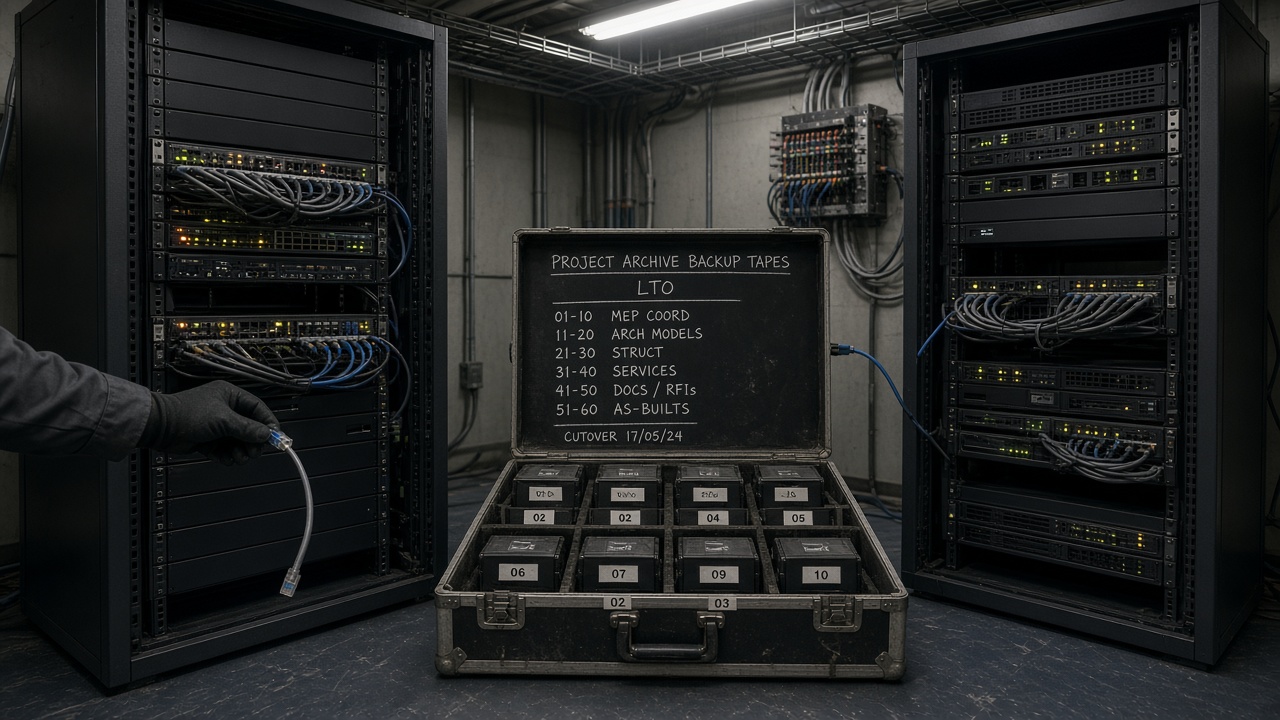
Most migration plans fit on a single page. Export the latest published set. Recreate the folder tree. Bulk-invite the users. Pick a weekend, change the link on the intranet, and by Monday the plotter is singing again and somebody announces that the cutover went well.
What has happened is a reload. The files are in a new place and the project’s memory is still sitting in a tenant that somebody will eventually stop paying for.
A job that is actually building carries four things beyond its files. It has an issued history: revisions that were authorised, in order, each one superseding something. It has transmittals — numbered acts that named recipients and a purpose. It has states, which said whether a container was work in progress, shared, published or archive on a particular Tuesday. And it has a trail of who approved what, on which date, against which suitability. If those four do not survive the move, the new common data environment is a new job with an old project’s drawings sitting in it.
The vendor can move bytes, and most of them are good at it. Moving the trail is the project’s problem, and in practice it lands on a document controller who is also still issuing this week’s packages.
What the decision leaves you holding
Nobody migrates a live project because it seemed like a good idea at the time. The licence lapses. The client standardises. Two joint-venture partners cannot agree. The platform was chosen by a bid team who have all since moved on to something else. By the time the job reaches the person who has to do the work, the decision is made and the site is still pouring concrete.
So the useful question is not whether to move. It is what you are willing to put your name to afterwards, when someone asks who authorised Rev C and the person who did it left eighteen months ago.
Write the exam before anyone exports anything
The new environment is finished when a named person who was nowhere near the migration can answer four questions from it, cold, without opening the old system and without ringing a colleague who happens to remember.
Issued history. For a named container: the full revision stack, not the current file. Who issued each revision, when, with which suitability, and which revision it superseded. A zip of current PDFs will not do this. Neither will version history that only records who pressed save.
Transmittals. For a named transmittal from the last ninety days: number, date, purpose, the exact containers and revisions it carried, the named recipients, and whether an acknowledgement or response exists. A system that shows you the files but not the act of issue has given you a library.
States. For a date in the past — pick one, the middle of last month will do — what was in Published for a live package, what was Shared for coordination, and what had already gone to Archive. Current state alone is not enough. A folder called Published in the new tree proves nothing unless the history of state changes came across with the container.
Who approved what. For a named gate — shared for review, published for construction, rejected, superseded — the person, the date, the decision, and the comment that travelled with it. A user field that now reads migrated_user_47 is not an approval. An approval sitting as a loose PDF in a folder called “workflow export”, unlinked from the container it decided, will not be found by anyone who needs it in a hurry.
If those four cannot be answered after cutover, you copied a store, and it is better to say so out loud early than to find out during cross-examination.
A live job cannot be frozen, only slowed
Closed archives migrate beautifully. Nothing changes while you work. A live project offers none of that courtesy. People will issue, comment, reject and plot on the Tuesday you picked for cutover. In-flight reviews will sit in both systems if nobody names a rule. The trailer will keep printing from last week’s set, because nobody told the trailer which address is live now.
This is why “we’ll do it over the weekend” holds up on jobs that have finished and falls apart on jobs that are building. A weekend can move files. It cannot drain the unofficial set, close every open review, or teach a supply chain of two hundred firms a new login by seven o’clock on Monday morning.
Treat the move as a dual-run with a written freeze. The old environment stays the system of record until the exam passes in the new one, and becomes read-only after that. Switching the address and hoping is how a week of issues goes missing and nobody can say which system was authoritative at two in the afternoon.
Ask for a sample export before you believe the slide
Migration decks are optimistic by trade. Ask for a real export of a real package, early, and then look hard at what actually turned up. Most platforms will hand you:
- the latest file per container, sometimes the last few revisions
- a spreadsheet of current metadata — name, revision letter, current status, folder path
- PDFs of transmittals, if you ask, as attachments rather than as records
- a user list of email addresses, rather than the people who approved things last year and have since left
What you will not get, unless you specify it in writing and then test it:
- the full revision stack, including rejected and superseded containers
- state-change history — WIP to Shared to Published to Archive — with actor and timestamp
- suitability at each issue, rather than suitability now
- transmittal recipient lists as structured data instead of a scanned cover sheet
- workflow decisions bound to the container they decided
- comments and mark-ups, with the identity of whoever made them
- the link from a MIDP deliverable or a package to the containers that satisfied it
Move only the first list and you end up with a tidy new library. The dispute, the golden-thread request and the leaver who signed off Rev C will all send you back to the old tenant, assuming it still exists by then.
The sequence
In this order. Skipping the freeze to save a fortnight is how projects migrate twice.
1. Name the twelve items
Three packages the site is building from this month. Three transmittals from the last ninety days. Three containers with a full revision history, at least one of them including a rejection or a supersede. Three approvals where the approver has left the job.
Those twelve are the exam. Write them down and date the sheet, because the temptation to swap them for easier ones once the trial export looks thin is real, and it usually arrives from someone more senior than you.
Write down what you are not moving, too. Chat threads, personal mark-up caches, WIP that never left somebody’s laptop — none of that is the trail, and dragging it across makes the new environment look busy while it still fails the exam.
2. Inventory events, not folders
The folder tree is the most seductive place to start and the wrong one. Start instead from the objects the trail is actually made of.
Every information container in the live packages: identifier, every revision, current state, state history if the source will give it up, suitability at each issue, authoring party, and whether a review is open on it.
Every transmittal from the last year, or from the life of the job if the archive is small: number, date, purpose, containers, revisions, recipients, acknowledgements.
Every completed workflow on those containers: gate, actor as both a real name and a stable identifier, date, decision, comment.
Then count them, because the export has to match those counts. “We moved fourteen thousand files” tells you nothing at all about events.
3. Dual-run, and name the freeze out loud
Pick an instant after which new issues, reviews and transmittals are raised only in the new system. Before it, the old one is authoritative. Work in flight at the freeze either finishes in the old system and comes across as a closed record, or is formally withdrawn and re-raised. Choose one of those two rules, write it down, and do not let the job quietly run both.
Then tell the supply chain the way you would tell them anything else that matters: named recipients, a purpose, a date. A slide in a progress meeting is not notice, and the first subcontractor to issue into the wrong system will remind you of that.
Keep both systems readable through the dual-run, and give site one sentence they can repeat without getting it wrong: this address for new issues, the old address if you need to reconstruct last month.
4. Export the four objects
As structured data alongside the files, not as a folder dump:
- Containers and the full revision stack, with checksums.
- Transmittals as records — number, date, purpose, members, recipients.
- State and suitability history per revision.
- Approval and review events with people attached, not role names.
Then export the files those records point at. A transmittal member with no file, or a file with no member, is a defect in the source; fix it in the inventory rather than papering over it during the load.
Keep that export. Hash it. Put a copy somewhere neither vendor controls, because if the new platform later tidies its history you will want a copy that belongs to the project.
5. Map people first, then codes
Build a table of everyone who appears on an approval, a transmittal or an issue: old user id, email, display name, organisation, whether they still hold a seat, and the identifier they will carry in the new system.
Leavers stay on the trail as themselves. Do not fold them into a generic migration account, and certainly not into yours. It is the most tempting shortcut in the whole exercise and the one you will regret most. Nobody arguing about a variation cares whether a licence was sitting unused; they care who authorised the revision.
Do the same for suitability codes, revision letters and state names. Where the new platform uses different labels, write the crosswalk and keep the original value in a field you can still query. Translating S2 into “for information” and discarding the code throws away the sentence the code was saying.
6. Archive first, then reopen the live states
Load the historical stack as archive — immutable, findable, impossible to plot as current. Prove that a superseded revision can be retrieved and cannot be issued by accident.
Only then load the current Shared and Published sets, and only after that open WIP to the authoring teams. Reverse the order and a coordinator, behaving entirely reasonably, uploads a new WIP onto a container whose history has not arrived yet. You will spend the next month arguing about which Rev C is Rev C.
Do not grant published status by folder placement. Either recreate the gate, or record that the current published set was accepted from the source as already authorised, with the original approver and date intact. A migration admin clicking Approve on eight hundred containers on a Saturday night has created eight hundred new approvals dated Saturday, and buried the ones that counted.
7. Reconcile, then sit the exam
Reconcile the counts first: containers, revisions, transmittals, approval events. Then sit the twelve items from step one in the new system, with the old one closed. Do it yourself, then have somebody who was not involved do it again.
For each item record one of four outcomes: found, not found, found but identity lost, found but unbound from the container. Identity lost is the file arriving without its person. Unbound is the transmittal PDF sitting in a folder while the register has no idea it exists.
Anything not found or unbound becomes either a re-export or a written residual — “this class of event remains in the read-only source”. A residual you can defend in a meeting. A dashboard reading 100% migrated, on a job where the approval log never came across, you cannot.
8. Cut over, then lock the source
Cutover is a dated instruction rather than a feeling, and after it:
- New issues, reviews and transmittals happen only in the new environment.
- The old one is read-only for everyone except a named administrator.
- The unofficial set — trailer plots, inbox PDFs, personal drives — is told once, in writing, that last week’s published pack is dead. You will not get full compliance. Say it anyway.
- The old tenant stays alive until the exam has been re-sat at thirty days and every residual class has a written home. Switching it off in migration week is how a project finds out, mid-claim, that the approval log never moved.
The first Monday
Close the old system and try this on the first Monday, then again at thirty days.
- Reconstruct one issued set the site was building from last month: containers, revisions, suitability, and the state each was in on that date.
- Reconstruct one transmittal: number, recipients, members, purpose, acknowledgement.
- Walk one container’s revision stack, including a superseded or rejected revision.
- Open one approval and name the person, the date and the decision — then check the person is still a person, and not a migration account.
- Ask a site engineer, with no coaching whatsoever, where this week’s published set lives. If they reach for a plot pinned to the trailer wall or start scrolling back through their inbox, the unofficial set survived the move and you have work left.
None of that needs a consultant. It does need the nerve to run it in front of people who have already announced that the migration went well.
What the paperwork assumes
The appointment, the BEP and the information protocol are all written on the assumption that the record can still be interrogated later. So is a golden-thread request. So is every clause that turns on who knew what and when. None of those documents says a word about how to prise a workflow table out of a platform that would rather sell you a fresh start, which is precisely where migrations come apart.
Write the cutover as a dated instruction, signed by the principal contractor or the appointing party, before anyone announces that the new environment is live: archive first, the twelve exam items, no mass approval dated Saturday, old tenant read-only until the thirty-day resit, every residual class given a written home. Keeping the source tenant alive for a month is the cost you will be asked to cut — licences you would rather cancel. Cut them in week one and the first claim will discover that the approval log never moved. Sit the Monday reconstruction above, then sit it again at thirty days, in front of people who have already declared success. Whether one environment or several is right for the job is a separate argument, and a better one to have from a record you can still reconstruct after the move.
Read next: BEP, MIDP and TIDP: how the three documents fit together, Federated or single: when one CDE is not enough for a gigaproject, Everyone says they have a CDE. Most have a shared drive with permissions..