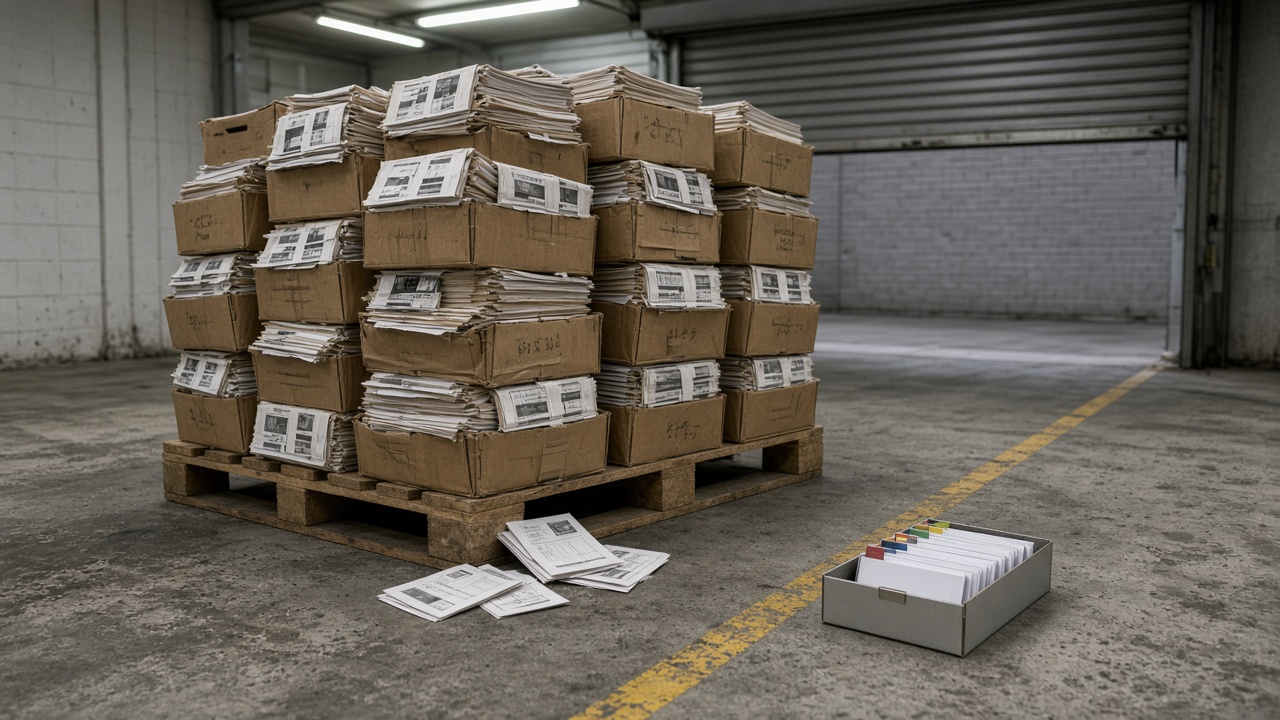
Just before midnight, a maintenance technician stands in front of an air-handling unit with a torch in one hand and a phone in the other. A filter has collapsed. He needs a size — that is all — and on the shared drive sits everything the project handed over: four hundred PDFs in a folder called Handover, collected, logged and signed for. Twenty minutes later he gives up, pulls the old filter out, measures it with a tape and orders by dimension. Nothing was missing. The pack could not be asked a question.
An owner pays for two things at handover — a complete transmittal and an operating record — and usually gets the first and is told it is the second. Happily, the second is rarely new authorship. It is a recut: take the pile already assembled and point it at the tags facilities will actually type. Before, a crate. After, a search that returns one valve, one maintenance action, one warranty window and one spare.
Four hundred files, honestly collected
Four hundred is not a statistic. It is the shape a mid-size job produces when every vendor, package and specialist sends a PDF and somebody zips the lot before the deadline.
What is in it is usually honest work. Manufacturer literature. Generic maintenance intervals written for a product family rather than a tagged instance. Wiring diagrams still carrying the factory part number. A warranty brochure. A commissioning certificate that never met a tag in its life. A contents page listing folders. The filenames belong to the vendor, the folders are named after trades, and the ZIP is called Handover or O+M_Final, because at that point in a job naming things properly is the fourteenth priority.
A pile answers the question the project asked itself: did we collect the manuals? A manual answers the one the building asks: what do I do to this unit, this week, without reading two hundred others first? Jobs deliver the wrong object not out of carelessness but because delivery is measured by whether a pack arrived, operations by whether a query lands, and nobody is paid for the join between them.
Full-text search is the usual reassurance when the pack is questioned. Search four hundred files for "filter" and you get every mention of filter; "valve" returns every valve the manufacturer has ever made. Our technician needed the filter size on AHU-03, the isolation valve upstream of it, and whether the warranty is still live. A keyword hit on page 47 of a generic catalogue answers none of that.
What "queryable" has to mean
A queryable O and M dataset is a set of rows, one per maintainable asset, that answers a short list of questions from the tag alone, without anyone opening a ZIP:
- What is this thing — tag, location, system, manufacturer, model, serial?
- What maintenance action is due, at what interval, and against which instruction?
- Which document, which section, which revision carries that instruction?
- What warranty still applies, and when does it end?
- What spare, what part number, what lead time?
The documents do not disappear, and anyone who says the PDFs can be thrown away has not sat through a warranty dispute. The data sheet, the certificate and the vendor manual remain the evidence, sitting behind the row and addressed to the same tag. Queryable only means the tag is the join rather than the filename. The test is whether a stranger can use it: a night supervisor, a new document controller, a reactive contractor who never sat in a coordination meeting, going from the tag on the casing to the action without a guided tour.
It does not need every parameter the authoring model once carried — only the fields operations have actually queried, plus a pointer to the current document identity for the rest. Classification, type and system still earn their place. They group the rows; they do not replace the tag.
What usually turns up at handover
None of what follows is a scandal. It is what a competent mid-size project delivers on a normal programme. Document control has a folder called O+M, or Close-out, and inside it vendor packs sit as received: one ZIP per package, sometimes one PDF per product family. The mechanical contractor's pack runs to three hundred files. Electrical is eighty. The specialist packages — lifts, building-management systems, fire, façades — arrive late and land beside the rest. Somebody produces a contents spreadsheet of filenames and prints a spine reading Operation and Maintenance Manual, Volume 1 of 12.
Facilities, if they were invited at all, asked months earlier for a structured list keyed to the asset register and were told it would come at the end. At the end they get the ZIP. In the first week after practical completion the FM lead who inherited all this looks for the isolation procedure on one air-handling unit. The search returns twelve generic catalogues and a wiring diagram for a different model. The tag on the casing appears in no filename. The serial exists, on a photograph in another folder. The warranty letter sits in a mailbox the project manager will close when he moves on.
The folder is complete and no use whatever in the plant room, and the labour to close that gap gets billed somewhere — as mobilisation of the facilities contract, as a consultant, or as the FM lead's unpaid evenings. People who have left get rung up and asked which PDF belonged to which unit. The owner rebuilds the register from scratch, having paid for it once already.
The same objects, pointed at the tag
The after state is a readdressing: the same vendor PDFs, certificates and spare lists, aimed at the identities the register, the inspection and test plans and the commissioning sheets already use.
For each tagged, maintainable asset, it should show:
- the tag as installed, matching the nameplate and the register
- the location an operator would use
- the system
- manufacturer, model, serial
- a current document identity — title, revision, date — for the instruction that applies to this instance, not merely to the product family
- the maintenance actions and intervals for this instance
- the warranty window and the spare identities attached to this instance
- the related quality and commissioning records, where they exist, on that tag
It is dull: a table, or a structured pack that behaves like one. The pile looked like a fortnight of work, and was, but the table is what operations reuse for twenty years.
Two identities on one asset is the failure that survives a recut most often. A PDF describing "AHU typical, level two" while the casing says AHU-03 is the old pile wearing a better filename. A row pointing at a superseded vendor revision is the unofficial set, quietly relocated into the O and M. One current instruction per tagged instance, and a dead previous identity when the vendor reissues.
Doing the join
The recut is a join, not a scan, and that distinction decides how you budget for it. Optical character recognition across four hundred files gives you text, not tags. Somebody who knows the job still has to say which pages belong to which installed instance.
Do it in this order. Resist two temptations: starting with software, and tidying the folder the night before.
-
Start from the asset register, not from the ZIP. List the maintainable assets operations will query — plant, life-safety devices, terminal units, switchboards, lifts, façade modules, anything with a tag and a maintenance action. A thin register is itself a finding, because the O and M can never be cleaner than the identities it is keyed to. The field list that matters is set out in the asset register: which fields actually matter to a facilities team; ask here only whether each row has an instruction behind it.
-
Inventory the pile against that list. For each tag, write the vendor title you genuinely have: filename, page range or section, revision if there is one, date received. Write "none" where there is none. A contents page listing packages is not an inventory against tags.
-
Split family literature from instance literature. A catalogue for a product range is type-level evidence, worth keeping. An instance needs the model, the serial, the as-left settings, the local isolation, the access route and the warranty naming this unit. Keep the catalogue; do not let it stand in for the row.
-
Bind the current document identity to the tag. Title, revision, date, and the section carrying the action. Where two files both look current, pick one and mark the other superseded, or write the conflict up as a finding. Filenames are not identities.
-
Lift the query fields out of the PDF and onto the row. Maintenance action and interval. Spare part number. Warranty start and end. Filter size, belt size, refrigerant type — the boring fields that prevent a call-out. Leave the prose where it is. The row carries what somebody searches for at two in the morning, torch under one arm.
-
Refuse gaps while someone can still close them. A missing draft against a live purchase order is a finding you can act on. A missing manual after the vendor's account has closed is a variation wearing a filename. At the sixty-per-cent readiness review the refusal is cheap; afterwards it is archaeology.
You do not have to do the whole building in a week, and trying will kill the effort. Pick one live system — a plant room, a fire-alarm loop, a floor of terminal units — and recut that first. Once one system can be queried, the rest of the ZIP stops looking like a completed transmittal and starts looking unfinished.
Ninety minutes, one system
Print the table below, one row per tagged asset on the system you chose. The document controller and the facilities lead fill it in together, or whoever will operate the building if facilities have not started. Forty-five to ninety minutes. Do not tidy the folder first; the mess is the data.
| Test | Before (typical pile) | After (queryable row) | This system's sample |
|---|---|---|---|
| Identity | Filename, package, “AHU typical” | Tag, location, system, serial matching the nameplate | |
| Instruction | Generic catalogue in a ZIP | Current document identity plus the section for this instance | |
| Findability | Contents page, then a hunt | From the tag, without opening the ZIP first | |
| Warranty and spare | Brochure in a mailbox | Dates and part numbers on the same row | |
| Refuseability | Pack arrived after demobilisation | Gaps named against an order still open, or written as a hole |
A pass is boring: the tag on the casing is the tag on the row, and the row points at one current instruction. A fail is a filename, a missing serial, a family PDF standing in for an instance, or two revisions that both look live. Do not average the rows into a percentage. Carry fails forward until each is closed.
Then, the five-question hour:
- Pick one tagged asset that will still need maintenance in two years.
- Produce, from project custody, the O and M instruction for that instance.
- Confirm it carries the same tag, location and serial the register uses, not just a product family.
- From that row, name the next maintenance action, the warranty end date and one spare.
- Ask whether a stranger could repeat steps 2 to 4 from the tag on the casing, unaided.
Whatever you cannot produce in that hour points at something other than filing: an O and M that was never built for operations. Relabelling the ZIP will not recut it.
What this does not settle
A mapping table is not a certification. ISO 19650, CDM, the Building Safety Act, NEC, FIDIC, JCT, COBie, MOMRA and the project's own BIM execution plan and asset information requirements all have owners, and each assumes a record already bound to the installed thing. None accepts a late ZIP as evidence that operations can query a valve. Nor does software settle it: four hundred PDFs in one cupboard and an asset list in another, with nothing joining them, solves storage and leaves the real problem alone.
Where the fix has to come from
The recut is cheap while the vendor's account is open and expensive once it is closed, which tells you who acts and when: the owner, the appointing party, or whoever writes the information requirements, at tender rather than at handover.
Three changes do most of the work. Name the query fields in the asset information requirements, field by field, so "structured O and M data" cannot be satisfied by a spreadsheet of filenames. Tie part of the O and M payment milestone to rows that resolve from the tag rather than to volumes delivered, because a spine reading Volume 1 of 12 currently gets paid the same as a dataset. And put a readiness review at sixty per cent complete into the programme, with the facilities lead in the room, so gaps surface while purchase orders are live.
There is a cost, and pretending otherwise is why this keeps failing. Somebody has to be paid for the join, the requirement has to be flowed down to the vendors holding the instance data, and facilities have to be engaged months earlier than usual. Against the year an owner typically spends rebuilding the register afterwards it is a bargain — but it is a line in a budget, and until a client puts it there, the technician with the torch will go on reaching for a tape measure.
Read next: The asset register: which fields actually matter to a facilities team, Warranty and spare parts data: the boring fields that save millions, The twelve-month handover: why owners wait a year for data they already paid for.